
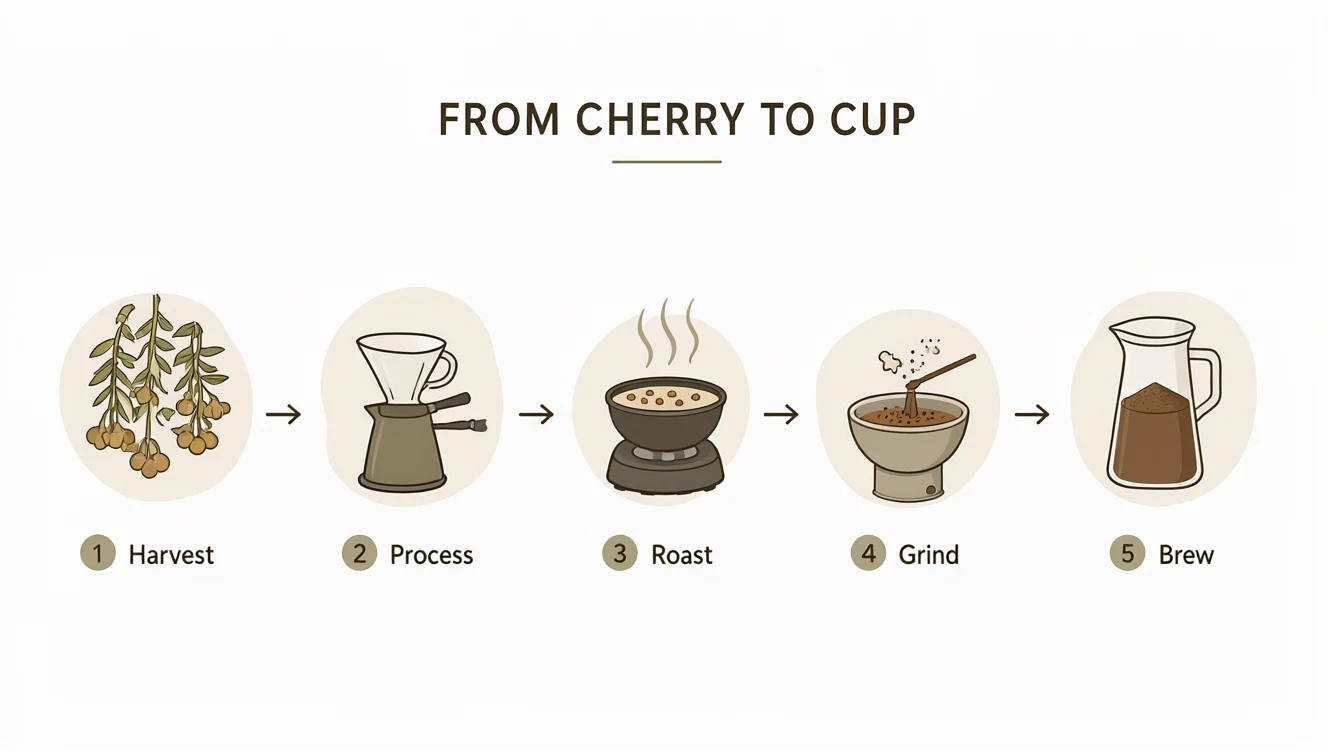
Coffee infographic
Open Source
Text to ImageInt8
A five-step coffee explainer renders clean headings, numbers and labels in one pass.
Generate posters, infographics, portraits, and scenes with the words exactly where you wrote them, then edit any image with a sentence. Qwen-Image 2.1 brings generation and editing into one open-weight model that runs natively in ComfyUI.
A five-step coffee explainer renders clean headings, numbers and labels in one pass.

A denim portrait against iron and brick keeps natural skin tones and fabric detail.

Magenta, gold, and cobalt powder frozen mid-air against clean white, every grain sharp.
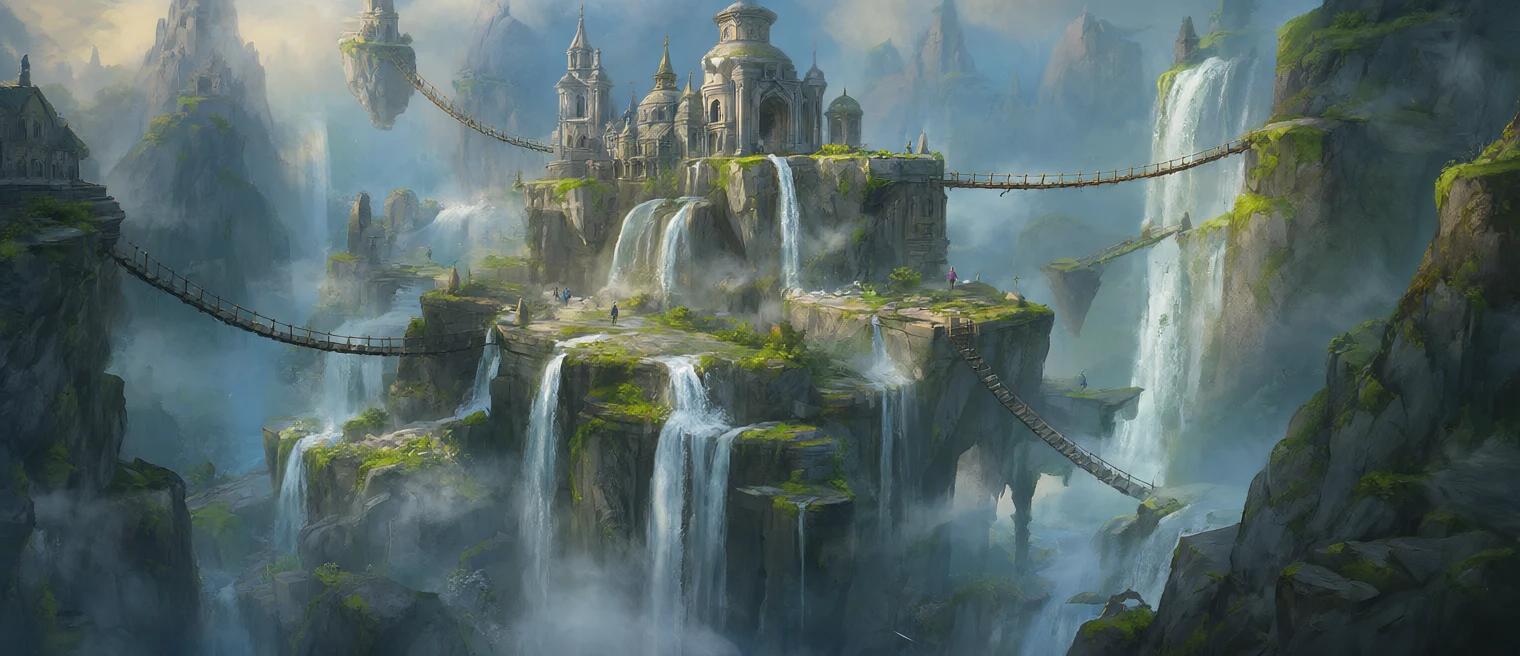
A waterfall citadel and rope bridges in a painterly concept-art style, ready for a level brief.
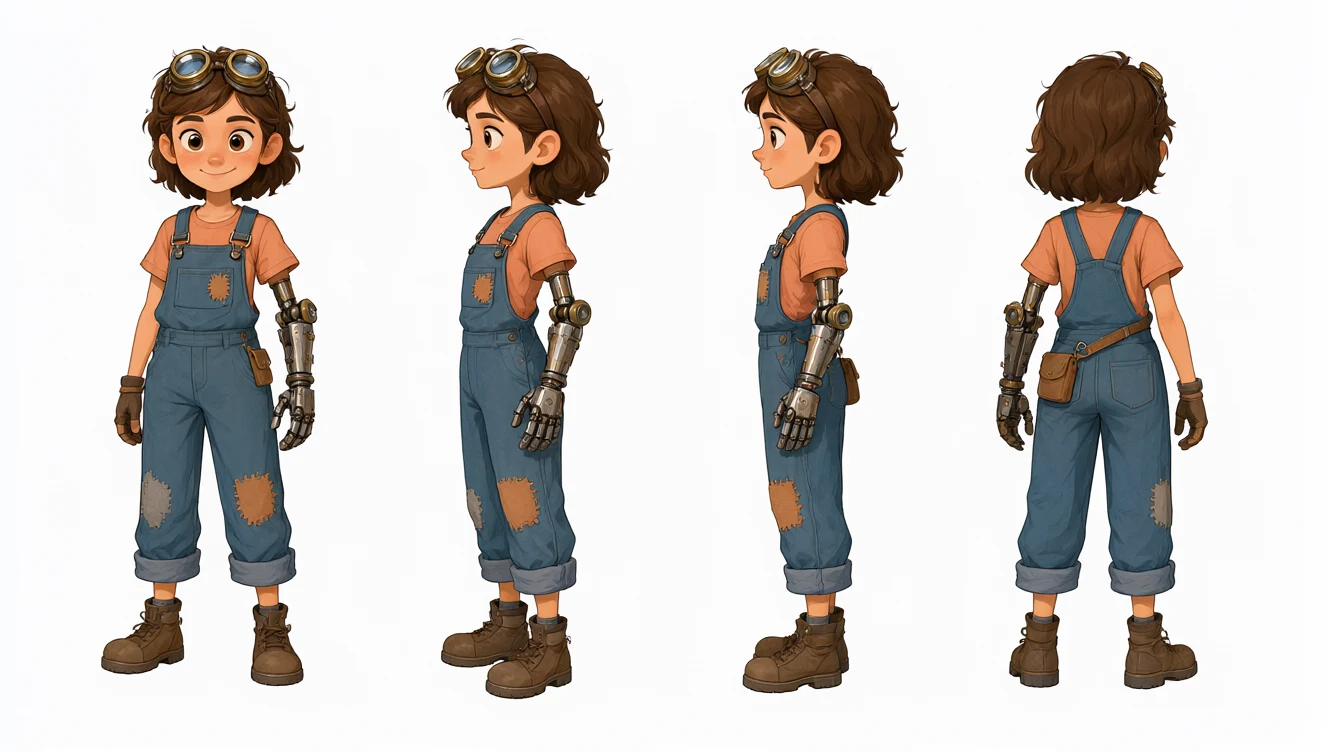
Four consistent views of the same character, from goggles to boots, on a clean white sheet.

Soft daylight fills a calm room with oak, linen and a view of a birch forest.
Access cloud-powered ComfyUI workflows with straightforward, usage-based pricing.
Start Comfy Cloud for free. Upgrade when you're ready.
5 free runs on real GPUs — no credit card required.
Billed monthly
What's included:
Comfy Agent
Custom builds
Generates ~380 5s videos*
Billed monthly
Everything in Standard, plus:
Comfy Agent
Custom builds
Generates ~670 5s videos*
Billed monthly
Everything in Creator, plus:
Comfy Agent
Custom builds
Generates ~1,915 5s videos*
Built for teams collaborating on workflows together.
Billed monthly
Generates ~13,405 5s videos*
Everything in Pro, plus:
Comfy Agent
Custom builds
Coming soon...
Need more members? Looking for more flexibility or custom features?
*Based on 5s videos created with the Wan 2.2 Image-to-Video template using default settings (81 frames, 18fps, 640x640, 4-step sampler)
Qwen-Image 2.1 is an open-weight image model from Alibaba's Qwen team. It runs 7B parameters on an optimized MMDiT architecture, outputs RGBA images with a real alpha channel, generates at native 2K, and handles both generation and editing in a single checkpoint.
Update ComfyUI to the latest version and download the Qwen-Image 2.1 weights from Hugging Face into your models folder. Add the Text Encode Qwen Image 2.1 node, found under model/conditioning/qwen image, or load the Qwen-Image 2.1 template. Comfy Cloud runs the same workflow without a local download.
Qwen-Image 2.1 is open weights, so running it locally in ComfyUI costs nothing per image beyond your own hardware. On Comfy Cloud it draws on your plan's compute — see the ComfyUI pricing page for current rates.
No. Qwen-Image 2.1 is released under the Qwen Research License Agreement, which grants a royalty-free license "FOR NON-COMMERCIAL PURPOSES ONLY" and directs commercial licensing inquiries to the model maker. The license also requires products built with the model to display "Built with Qwen" in their documentation. Check the license yourself before using output in any commercial work.
Yes. Qwen-Image 2.1 outputs four-channel RGBA, so transparency comes out of the model itself rather than a background-removal pass. Sprites, logos, icons, and product cutouts land with alpha already correct, ready to composite. On the input side, the Text Encode Qwen Image 2.1 node passes full RGBA to the VAE and composites alpha over white for the vision tower.
Qwen-Image 2.1 generates natively at 2K — 2048×2048 direct output, not upscaled from a smaller render. For edits, the node's resolution setting controls the size reference images are resized to: it defaults to 1024, accepts up to 4096 in steps of 32, and 0 keeps each reference at its own size.
The Text Encode Qwen Image 2.1 node opens image inputs as you fill them, up to 16. Each one is read by the text encoder and spliced into the sequence as a VAE latent, so a character, a product, a background plate, and a style reference can all drive a single edit. Start from the image-edit template on Comfy Cloud.
Use the latent output on the Text Encode Qwen Image 2.1 node rather than an empty latent of your own. That output is sized to the first reference image, and sampling at any other size shifts the edit.
At 7B parameters Qwen-Image 2.1 is built for consumer GPUs, and the experimental Qwen Image 2.1 Cache node tunes it further. Set the KV cache to auto, gpu, cpu, or off, and pick a storage precision: int8 halves the cache at about bf16 accuracy, int4 quarters it but roughly doubles per-step error.
Build workflows in the browser today, run the open weights on your own GPU, or batch campaigns with the API and connect image generation to the rest of your creative pipeline.
Your AI assistant can access the ecosystem, build workflows, and generate images, video, audio, or 3D.